The Best Calibre Alternative for PDF to EPUB Conversion
TL;DR — Calibre is an excellent ebook library manager, but its PDF to EPUB output is notoriously rough on academic papers and multi-column layouts. If your goal is a clean, readable EPUB from a complex PDF — not managing a library — Read Copilot’s free online converter produces dramatically better results in seconds, with nothing to install.
Why People Look for a Calibre Alternative
Calibre’s conversion engine reads PDF text in raw draw order — left to right across the whole page. That works fine for simple single-column documents, but it falls apart on exactly the files people most want to convert:
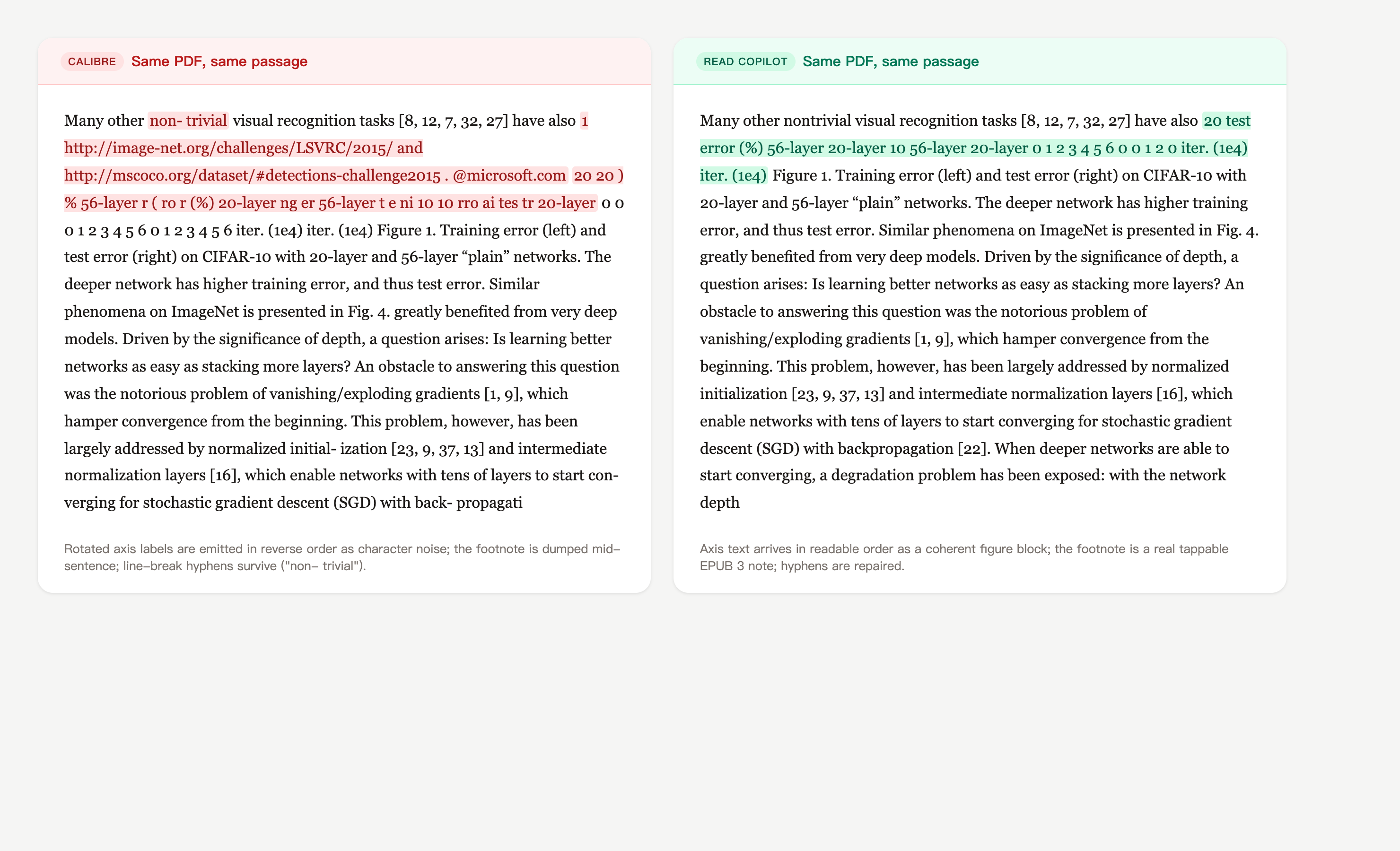
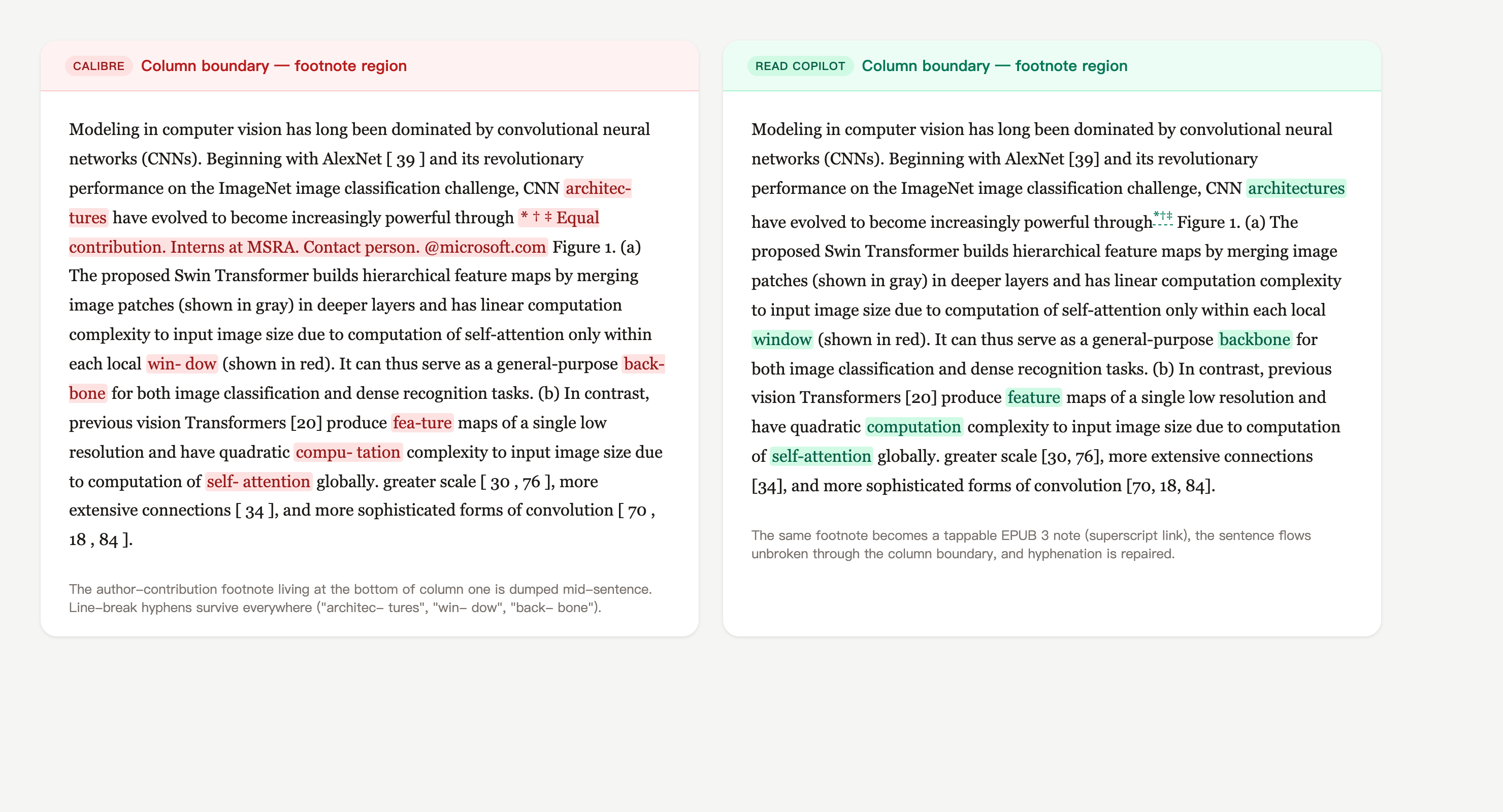
- Column boundaries leak into the text. In dual-column papers, the footnotes, author blocks and captions living at column edges get spliced mid-sentence into the body text — and rotated figure labels come out as reversed character noise.
- Headers, footers, and page numbers cut through sentences. Running heads get baked into the body text, so every page break leaves fragments like "…the results show Journal of Biol 142 ogy that…" mid-paragraph.
- Footnotes and tables of contents die in transit. Footnotes become stranded body text, and the printed TOC keeps its dot leaders and dead page numbers instead of becoming tappable navigation.
- The UI fights casual users. Calibre is a desktop power tool with a dense interface. If you only need to convert one paper to read on your phone, installing a 500 MB application and learning its conversion dialog is real friction.
Calibre vs Read Copilot Converter
| Calibre | Read Copilot | |
|---|---|---|
| PDF → EPUB quality | Raw draw-order extraction; column-boundary content bleeds into sentences | Geometric layout analysis — columns, footnotes and captions stay in their lanes |
| Footnotes | Stranded as plain body text | Native EPUB 3 popup footnotes (epub:type="noteref") |
| Table of contents | Printed dots and dead page numbers | Real nav document — chapter-level links, not dead page numbers |
| Output validity | Occasional XML errors that break strict readers | W3C EPUBCheck verified: 0 errors, 0 warnings |
| Ease of use | Desktop install, dense conversion dialog | Drag, drop, download — nothing to install |
| Library management | Best-in-class: catalog, metadata, device sync | Not offered — conversion only |
| Format breadth | Dozens of input/output formats | Focused set: PDF↔EPUB, MOBI/AZW/AZW3→EPUB |
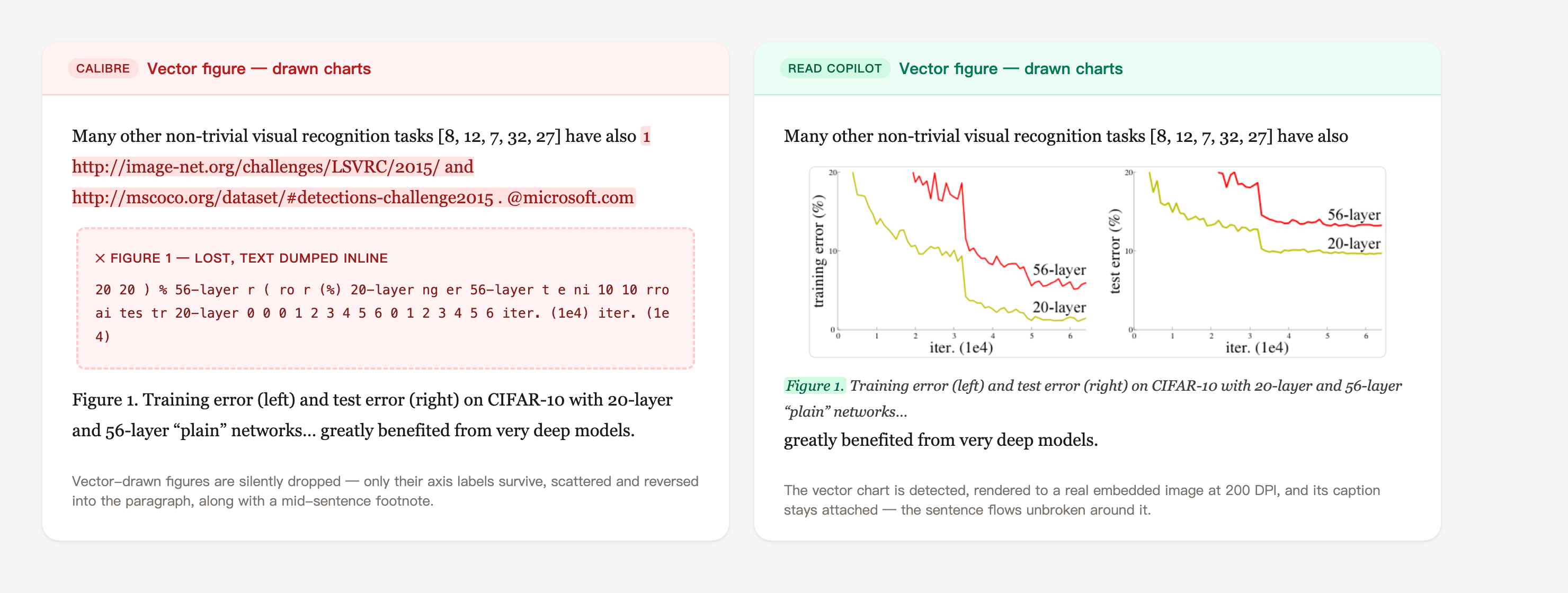
| Figures & charts | Embedded images kept; vector-drawn charts dropped silently | Embedded images plus vector charts rendered to real figures at 200 DPI |
| Price | Free, open source | Free, no account required |
See the Difference on a Real Paper
The same passage from He et al.’s "Deep Residual Learning for Image Recognition" (arXiv:1512.03385, a dual-column CVPR paper) converted by both tools. This is unedited converter output — not a mockup.
- Convert academic papers, textbooks, or multi-column PDFs and want output that actually reads correctly.
- Want footnotes you can tap, a TOC you can navigate, and files that open without errors in Apple Books.
- Only need the occasional conversion and don’t want to install a 500 MB desktop application.
- Read converted books on iPhone or iPad and want AI summaries and inline translation in the same app.
- Manage a large ebook library — cataloging, metadata editing, and device sync are what Calibre is built for.
- Need batch conversion across dozens of formats, or a plugin ecosystem for specialized workflows.
- Require a fully offline pipeline — our converter processes files on a server (in memory, nothing stored).
- Need DRM removal (via plugins) — we do not and will not support converting DRM-protected files.
Full transparency: we use Calibre’s ebook-convert ourselves for the directions where it already does a great job — EPUB to PDF and MOBI/AZW3 to EPUB. We built a dedicated typesetting engine specifically for PDF to EPUB, because that’s the conversion where Calibre’s 15-year-old heuristics genuinely fall short.
Convert your hardest PDF — no install, no account
Take the same dual-column paper that Calibre scrambles and compare the results side by side. The conversion is free and the file never touches disk on our end.
Frequently Asked Questions
Is Read Copilot a replacement for Calibre?
Not for library management — Calibre remains the best tool for cataloging and syncing an ebook collection. For the single task of turning a complex PDF into a clean EPUB, our converter produces meaningfully better output with less effort.
Can Calibre convert dual-column PDFs correctly with the right settings?
Partially. Power users can improve results with heuristic processing, line unwrapping factors, and custom regex cleanups — but it requires per-document tuning and still can’t reliably separate interleaved columns. Our engine handles this automatically via geometric spatial analysis.
Is the online converter free and private?
Free with no account and no daily quota. Files are processed in memory and deleted immediately after conversion — nothing is stored, indexed, or used for training.
What about converting the other direction — EPUB to PDF or MOBI files?
We offer those too — EPUB to PDF and MOBI/AZW/AZW3 to EPUB — and for those directions we run Calibre’s own engine, because its output there is already good.
Keep Exploring
The tool this page is about — try it on your own document.
Turn EPUBs into print-ready, universally readable PDFs.
Migrate legacy Kindle MOBI and AZW3 files to modern EPUB.
Browse every converter and utility in the Read Copilot toolkit.